How to get a Gemini API key for MultimodelChat
Get your Gemini API key for Gemini 3.7 Flash, Gemini 3.1 Pro, and the rest of the Gemini family
Google's Gemini API is accessed through Google AI Studio. No Google Cloud project or credit card is required for the free tier — just a Google account.
AIzaSyFree tier: Gemini 3.7 Flash (10 RPM, 250 RPD), Gemini 3.1 Flash-Lite (15 RPM, 1,000 RPD). No credit card required. Shared 250K tokens/min cap.
How to get a Gemini API key
Create a Gemini API key in Google AI Studio with a Google account. The free tier does not require a credit card; enable Google Cloud billing only if you need higher limits or paid models.
- Open the API key page in Google AI Studio
- Accept the terms if this is your first visit
- Create a key in a new or existing Google Cloud project
- Restrict the key and paste it into MultimodelChat
Connect it to MultimodelChat
Once you have the required credentials, start your free trial, add this provider in Settings, and save the connection. MultimodelChat encrypts the API key before storing it.
Available models on Multimodel Chat
Step-by-step guide
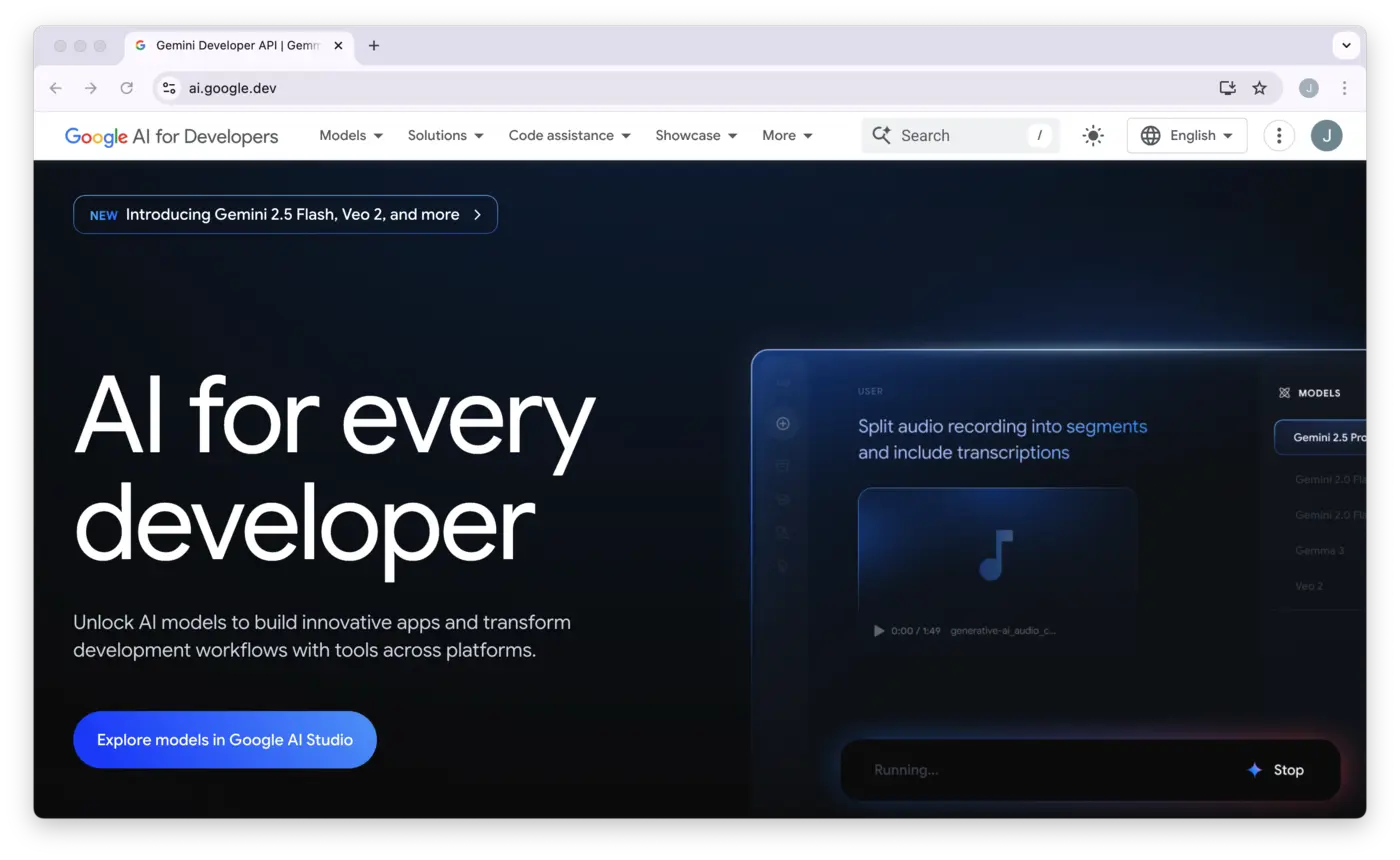
Sign In to Google AI Studio
Access the API key page with your Google account.
- Go to https://aistudio.google.com/app/apikey
- Sign in with your Google account
- First-time users: Accept the Terms of Service (Google APIs Terms + Gemini API Additional Terms)
Create an API Key
Generate your key in AI Studio.
- Click "Create API key"
- Choose one of:
- • "Create API key in new project" — Google auto-creates a Cloud project and key (recommended)
- • "Create API key in existing project" — if you already have a Google Cloud project
- The key is generated and displayed immediately

Copy and Save Your Key
Your key is shown only once.
- Copy the key immediately — it starts with AIzaSy followed by 33 characters
- Example: AIzaSyDaGmWKa4JsXZ-HjGw7ISLn_3namBGewQe
- After dismissing the dialog, only the prefix is shown
- Store securely in a password manager

(Optional) Set Up Billing for Higher Limits
Upgrade for access to all models and higher rate limits.
- Free tier: Gemini 3.7 Flash, 3 Flash, 3.1 Flash-Lite, and 2.5 Flash-Lite with reduced quotas
- Pro models (Gemini 3.1 Pro) require a paid billing account
- Enable billing on your Google Cloud project for higher rate limits and the full model catalog
Free tier usage data may be used to improve Google products. For production apps with sensitive data, use the paid tier.
Add Your Key to Multimodel Chat
Connect your key in Multimodel Chat settings.
- In Multimodel Chat, go to Settings → API Keys
- Select Google / Gemini as the provider
- Paste your API key
- Click Save
Key Restrictions (Recommended)
For security, restrict your Gemini API key to prevent unauthorized use:
- Go to https://console.cloud.google.com/apis/credentials
- Find your Gemini API key
- Click "Edit API key"
- Under "API restrictions", select "Restrict key"
- Choose "Generative Language API" from the dropdown
- Click "Save"
You can also restrict by IP address or HTTP referrer for extra security. Exposed keys may be blocked by Google.
Common issues
Swipe horizontally to see the full table.
| Issue | Fix |
|---|---|
| API key not found | Ensure the key starts with AIzaSy — no extra characters |
| Permission denied | Key may have been blocked due to exposure — create a new key and restrict it |
| Model not available on free tier | Pro models require billing — upgrade to paid tier |
| 429 Quota exceeded | Free tier has reduced limits — wait for reset or enable billing |
Frequently asked questions
Do I need a credit card for Google Gemini?
No. The free tier is included with every key and requires no billing. You only need a Google account.
Why is my Google Gemini key blocked?
Google proactively blocks API keys that have been publicly exposed. If your key is blocked, create a new one in Google AI Studio and restrict it to the Generative Language API in Google Cloud Console for security.
Set up another provider
Related guides
Provider requirements and pricing last reviewed August 5, 2026. Check the linked provider documentation for current terms before purchasing credits.
Ready to connect your Google / Gemini key?
Paste your API key and Multimodel Chat tests it live against the provider before saving. The key is encrypted in this browser's vault and used only for your requests.
Start the 7-day free trialNew to the workflow? See how it works in three steps