How to get an OpenRouter API key for MultimodelChat
Get one OpenRouter key for 500+ models from every major provider
OpenRouter is a unified API gateway that gives you access to 500+ models from dozens of providers including OpenAI, Anthropic, Google, Meta, Mistral, DeepSeek, Qwen, and many more — all through one API key.
sk-or-v1-Free models (suffix :free) work without credits (50 req/day). Paid models require prepaid credits ($10 min for 1000 req/day on free models).
How to get an OpenRouter API key
Create an OpenRouter account, generate a key from the API keys page, and use that one key to access models from multiple providers. Free models may be available with rate limits; paid models use prepaid credits.
- Create or sign in to an OpenRouter account
- Open the API keys page and click Create
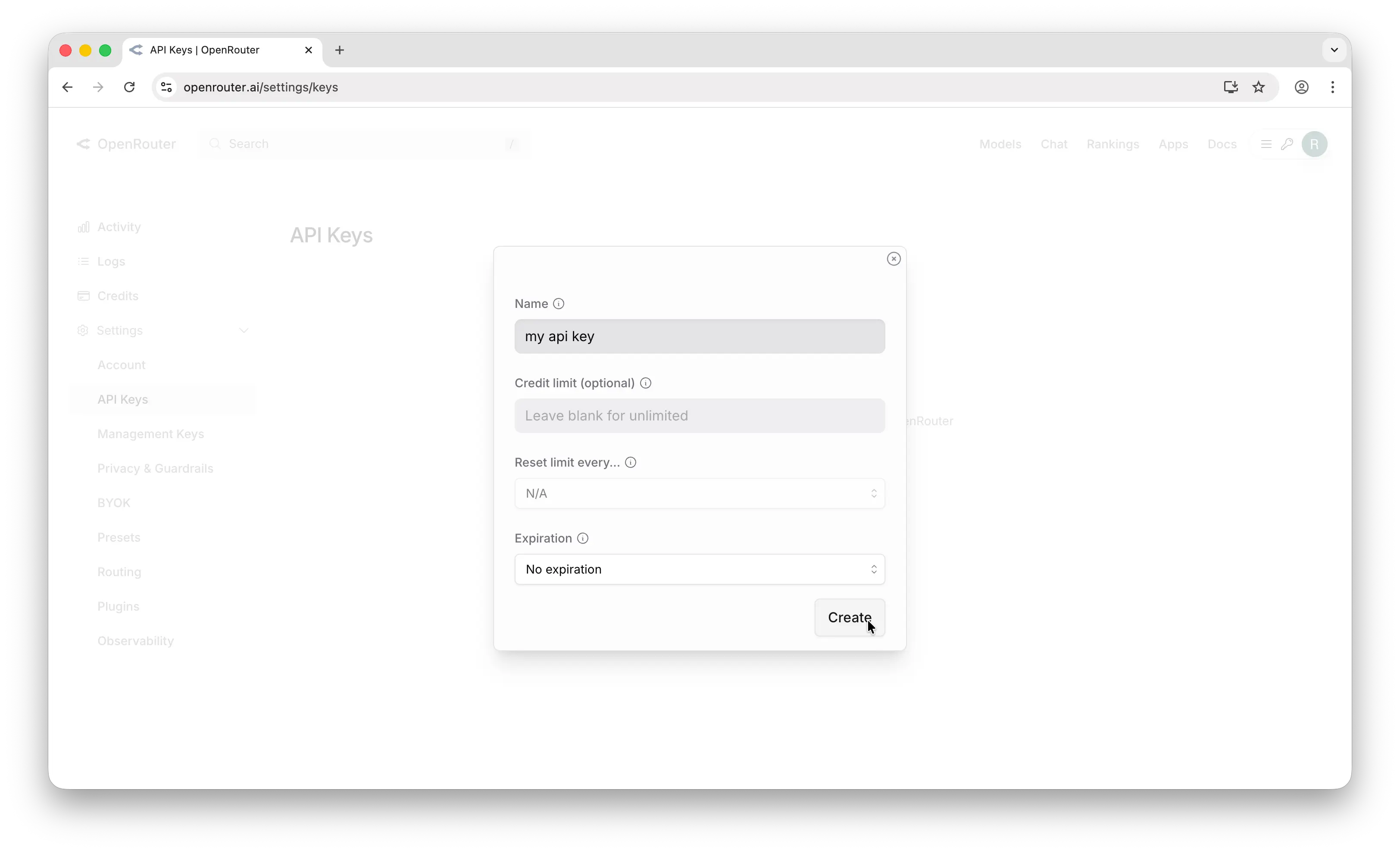
- Set an optional credit limit or expiration date
- Copy the key and select OpenRouter in MultimodelChat
Connect it to MultimodelChat
Once you have the required credentials, start your free trial, add this provider in Settings, and save the connection. MultimodelChat encrypts the API key before storing it.
Available models on Multimodel Chat
Step-by-step guide
Create an OpenRouter Account
Sign up at openrouter.ai.
- Go to https://openrouter.ai
- Click "Sign up" and create your account using email, GitHub, or Google
- Verify your email if you used email sign-up
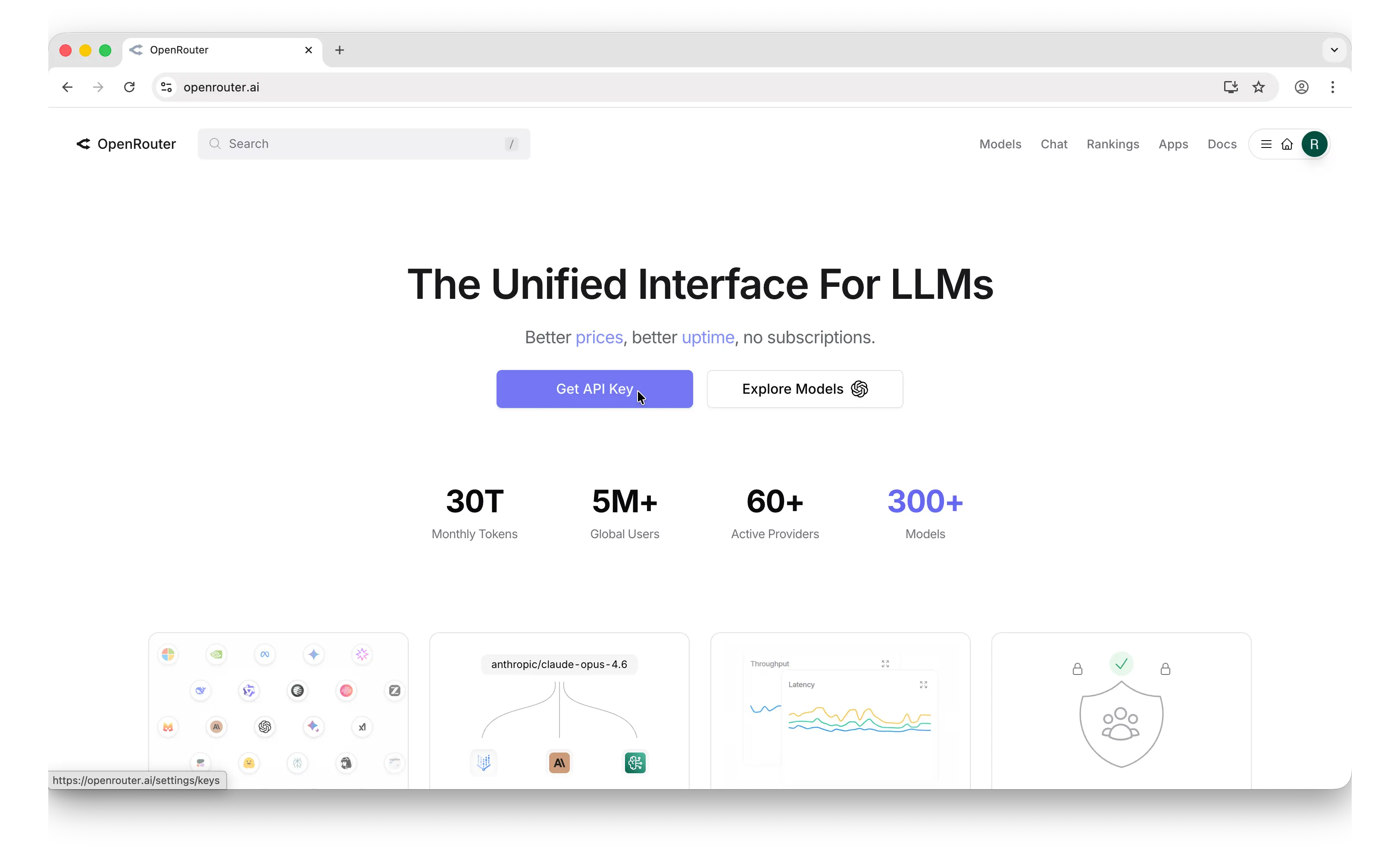
Navigate to API Keys
Find the API Keys management page.
- After signing up, click the Get API Key button on the home screen
- You'll land on the API keys management page
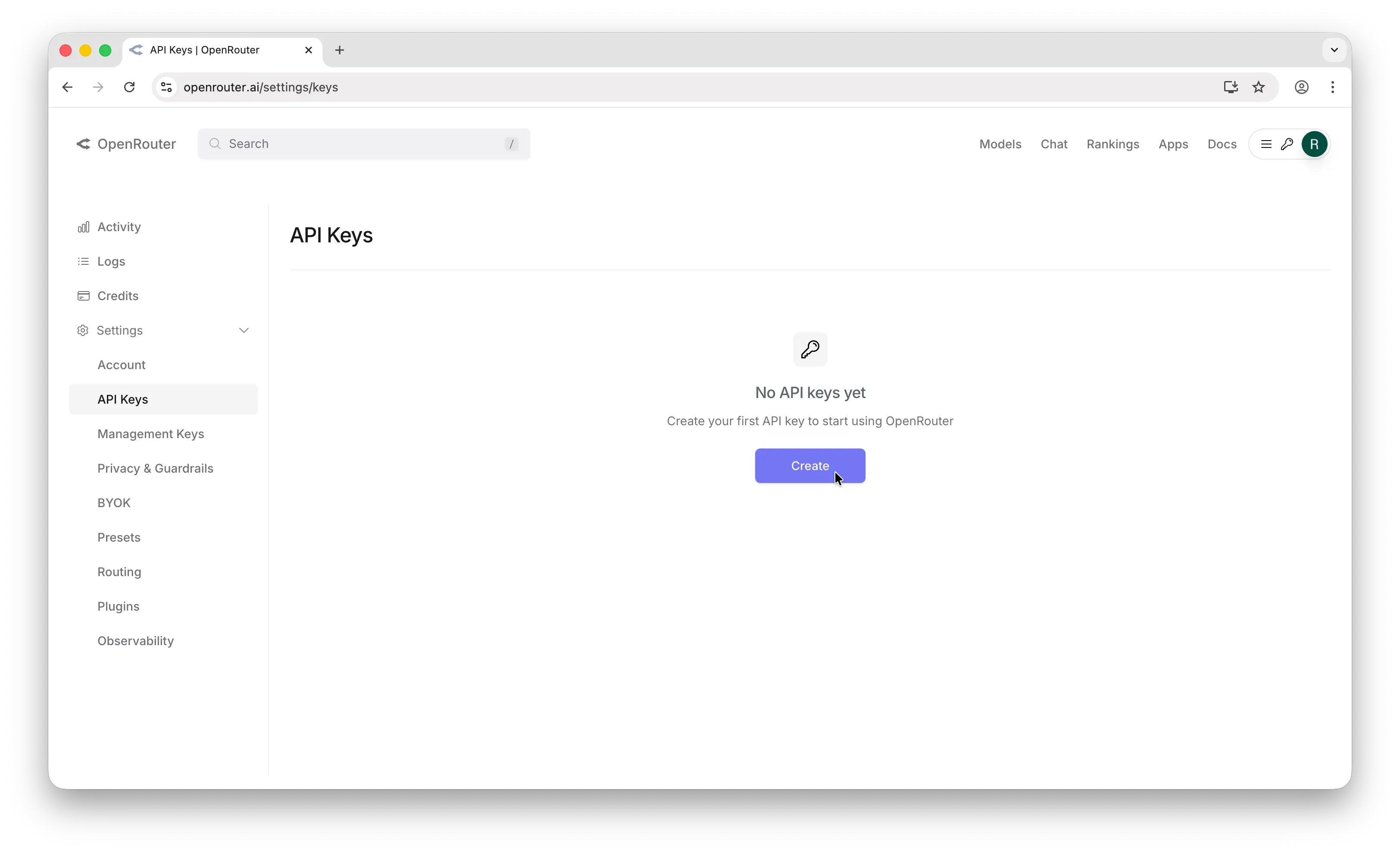
Create an API Key
Generate your key with optional spending limits.
- Click "Create"
- Enter a descriptive name (e.g., "Multimodel Chat")
- Optionally set a credit limit, reset schedule, and expiration
- Click "Create"
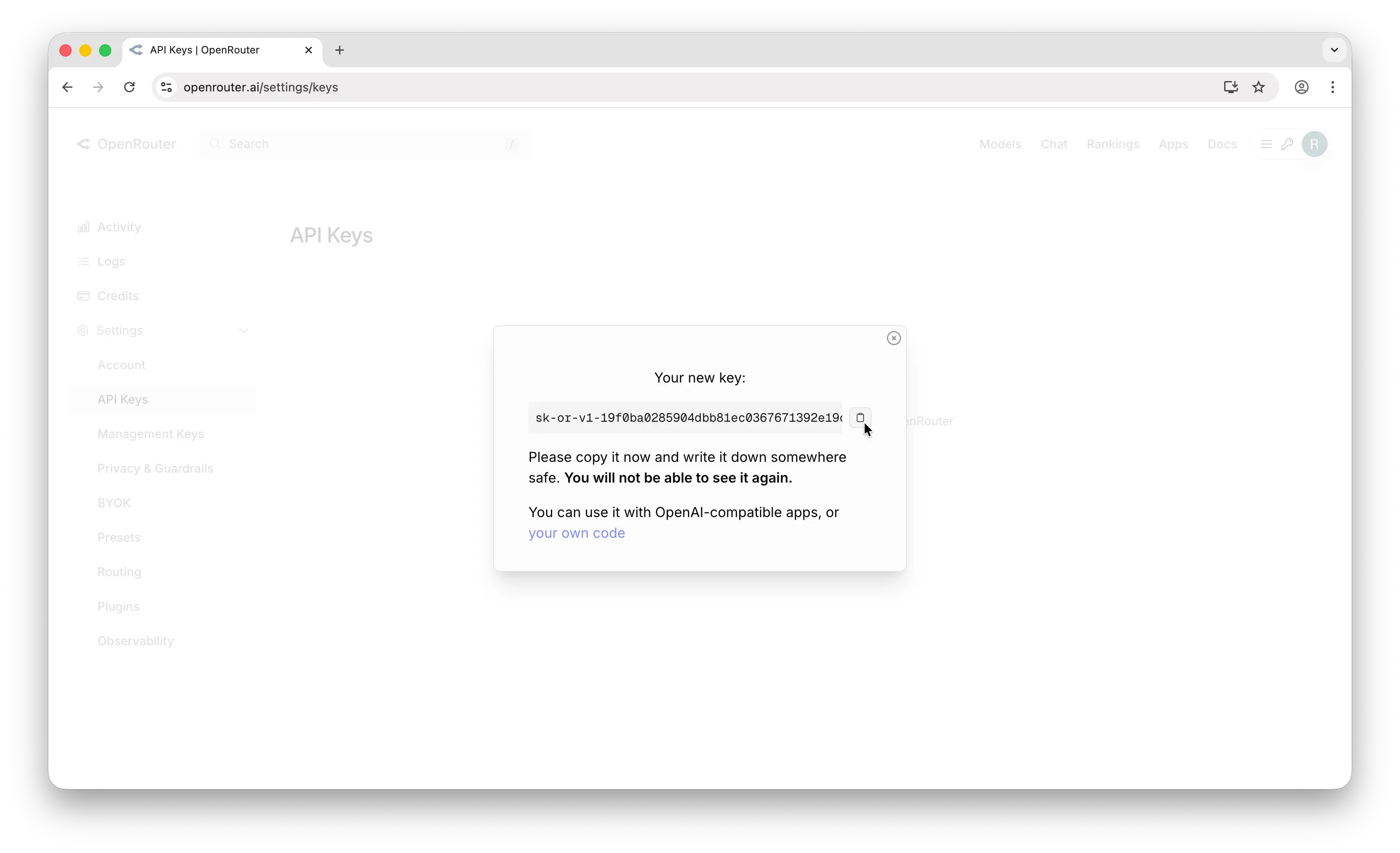
Copy and Save Your Key
Your key is shown only once.
- Copy the key immediately — format: sk-or-v1-xxxxxxxxxxxxxxxxxxxxxxxxxxxx...
- Store securely in a password manager
Add Your Key to Multimodel Chat
Connect your key in Multimodel Chat settings.
- In Multimodel Chat, go to Settings → API Keys
- Select OpenRouter as the provider
- Paste your API key
- Click Save
Common issues
Swipe horizontally to see the full table.
| Issue | Fix |
|---|---|
| Insufficient credits | Add credits to use paid models |
| Model not found | Some models may be deprecated — check the models list |
| 401 Unauthorized | Key was revoked or doesn't exist — create a new one |
| Free model rate limited | Free models have strict rate limits — consider a paid model |
Frequently asked questions
What models are available on OpenRouter?
OpenRouter offers 500+ models from every major provider including OpenAI, Anthropic, Google, Meta, Mistral, DeepSeek, Qwen, and many more. Browse the full list at openrouter.ai/models.
Are there really free models?
Yes. Many open-source models are available for free (marked with :free suffix). They have stricter rate limits but cost nothing to use.
Set up another provider
Related guides
Provider requirements and pricing last reviewed August 5, 2026. Check the linked provider documentation for current terms before purchasing credits.
Ready to connect your OpenRouter key?
Paste your API key and Multimodel Chat tests it live against the provider before saving. The key is encrypted in this browser's vault and used only for your requests.
Start the 7-day free trialNew to the workflow? See how it works in three steps