How to get an OpenAI API key (2026 step-by-step guide)
Get your OpenAI API key for GPT-5.6, GPT-5.4, and GPT-4o
OpenAI API keys give you access to the entire GPT model family. You need an OpenAI Platform account — this is separate from a ChatGPT Plus subscription.
sk-proj-API billing is separate from ChatGPT subscriptions. Review your OpenAI Platform billing page for the payment options and limits available to your account.
How to get an OpenAI API key (ChatGPT Plus is not one)
Create the key in the OpenAI Platform, not in ChatGPT. ChatGPT Plus is a separate consumer subscription and does not include OpenAI API credits. Create a Platform key, configure API billing, and then connect it to MultimodelChat.
- Create or sign in to an OpenAI Platform account
- Add a payment method or credits if your account requires it
- Create a secret key at the API Keys page and copy it once
- Paste the key into MultimodelChat provider settings
Connect it to MultimodelChat
Once you have the required credentials, start your free trial, add this provider in Settings, and save the connection. MultimodelChat encrypts the API key before storing it.
Available models on Multimodel Chat
Step-by-step guide
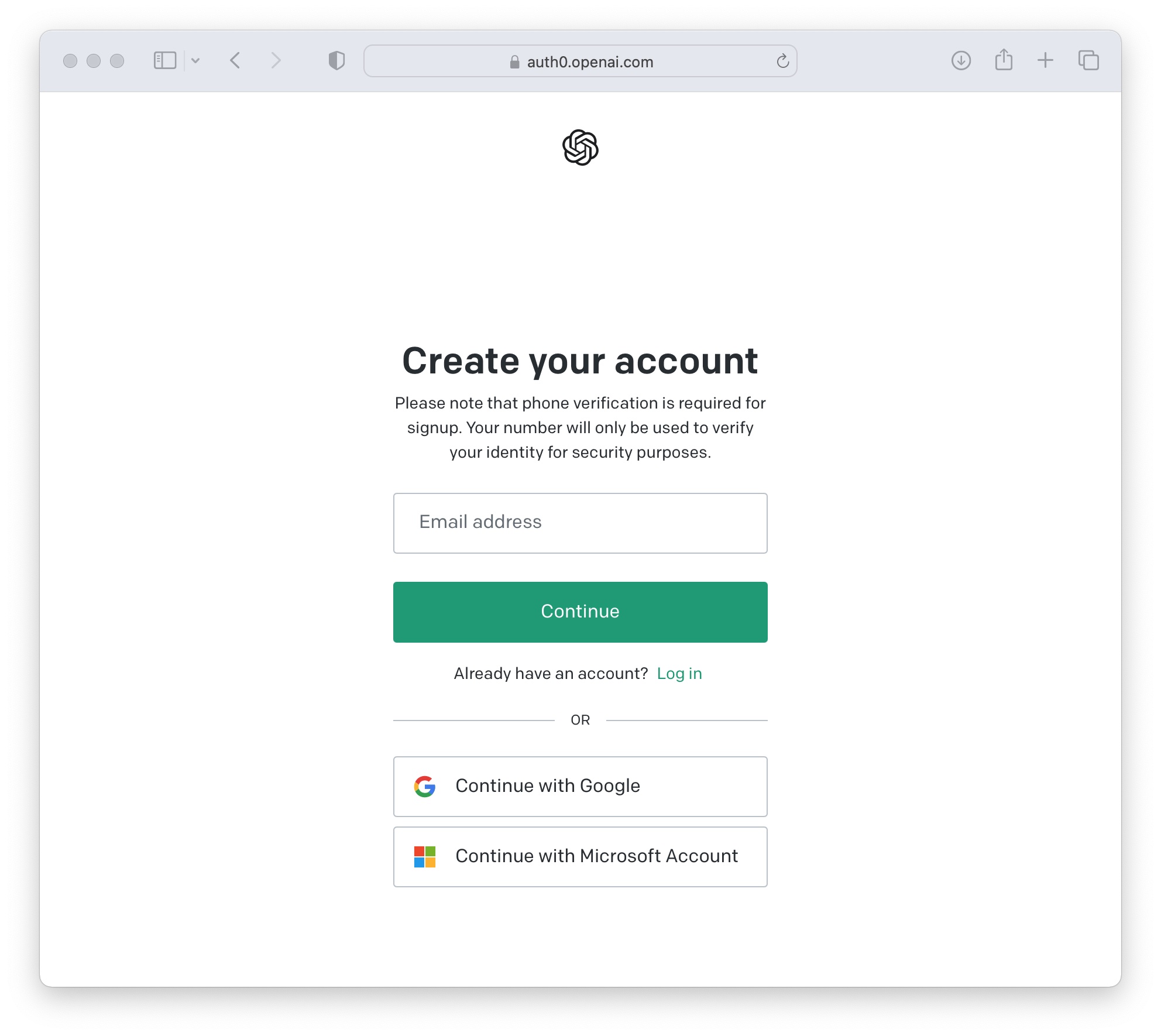
Create an OpenAI Platform Account
Go to platform.openai.com and sign up.
- Go to https://platform.openai.com
- Click "Sign up" (or "Log in" if you already have an account)
- Register using email + password, or sign in with Google / Microsoft / Apple
- Verify your email address if prompted
You can use existing ChatGPT credentials — accounts are shared — but billing is separate.
Set Up Billing
Configure API billing for your organization.
- Go to Settings (gear icon) → Billing
- Click "Add payment method" and enter your card details
- Optionally set a monthly spending limit to avoid surprise charges
Billing options and usage tiers can vary by account. Confirm the current terms in OpenAI Platform.
Create a New API Key
Generate your secret key from the API Keys page.
- Go to https://platform.openai.com/api-keys
- Click "Create new secret key"
- Name: Give it a descriptive name (e.g., "Multimodel Chat")
- Project: Select your project (or "Default project")
- Permissions: Choose "All" for full access
- Click "Create secret key"

Copy and Save Your Key
Your key is shown only once — copy it immediately.
- Copy the key immediately — it is shown only once
- Format: sk-proj-xxxxxxxxxxxxxxxxxxxxxxxxxxxx...
- Store it securely in a password manager or .env file
- Never commit it to version control or share it publicly
If you close the dialog without copying, you must delete the key and create a new one.

Add Your Key to Multimodel Chat
Connect your key in Multimodel Chat settings.
- In Multimodel Chat, go to Settings → API Keys
- Select OpenAI as the provider
- Paste your API key
- Click Save — the key is encrypted with AES-256
Common issues
Swipe horizontally to see the full table.
| Issue | Fix |
|---|---|
| No API key provided | The key wasn't copied completely — create a new one |
| Insufficient quota | Add more credits in Billing settings |
| You exceeded your current quota | Check billing, project limits, and the active organization in OpenAI Platform |
| Rate limit exceeded | Check your account's usage tier and rate limits in OpenAI Platform |
| Key won't save in Multimodel Chat | Ensure no extra spaces or line breaks when pasting |
Frequently asked questions
Is ChatGPT Plus an API key?
No. ChatGPT Plus is a subscription for the ChatGPT app, not an OpenAI API key. API access is managed in the OpenAI Platform and is billed separately, so you need to create a Platform key and configure API billing.
How much does the OpenAI API cost?
OpenAI uses pay-as-you-go pricing per token. Rates vary by model and can change, so check the current OpenAI pricing page before using a model. Set a budget or usage limit in the Platform to avoid unexpected charges.
How do I estimate the cost of an OpenAI API request?
Convert the input and output token counts to millions, then multiply each by the selected model's current input and output rates. For example, 10,000 input tokens equals 0.01 million and 2,000 output tokens equals 0.002 million; calculate those portions separately because input and output rates differ.
Can I get a free OpenAI API key?
An API key itself is free to create, but requests are not automatically free. Any promotional credits or free access depend on the current terms of your OpenAI Platform account. ChatGPT free or Plus access does not transfer API credits.
Set up another provider
Related guides
Provider requirements and pricing last reviewed August 24, 2026. Check the linked provider documentation for current terms before purchasing credits.
Ready to connect your OpenAI key?
Paste your API key and Multimodel Chat tests it live against the provider before saving. The key is encrypted in this browser's vault and used only for your requests.
Start the 7-day free trialNew to the workflow? See how it works in three steps